A one-tap hop-and-stack game above a cozy rooftop city.
Tap to hop. Let each cushion slide underneath. Land it just right and keep the streak going.
Not on the stores yet.There is no App Store or Google Play listing to link to yet. The download buttons appear here the moment there is.
Free · portrait · one thumb · no account
How it plays
Three taps to understand it.
1
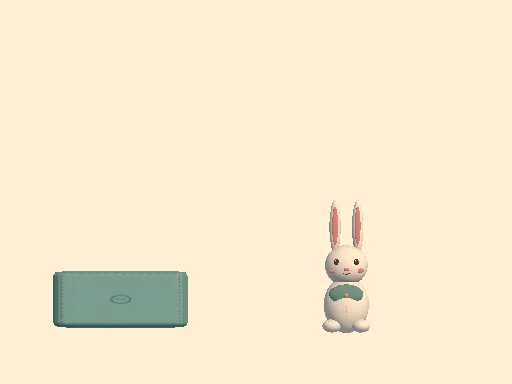
Watch the cue
LEFT or RIGHT tells you which side the next cushion arrives from, about a third of a second before it starts moving. The direction is always written out, never signalled by colour alone.
2
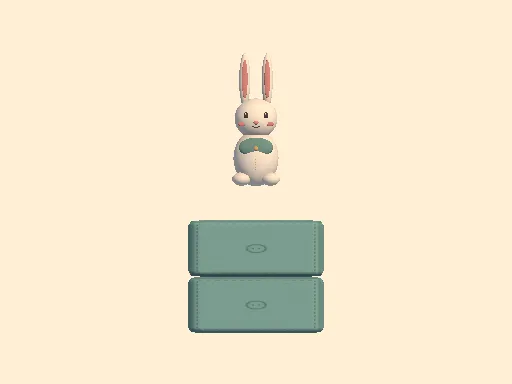
Hop and stack
Tap anywhere. The cushion slides underneath you and locks into the tower, and you land on the new top. Miss, and one tap starts the next run immediately.
3
Land it Perfect
Land near the middle of the window for a Perfect. It pays 15 Coins instead of 10, and a run of them in a row is its own small celebration.
Perfect landings
Anyone can survive. The streak is the hard part.
A Perfect landing is a hop started within a fixed ninety-millisecond window. It pays 15 Coins; an ordinary landing pays 10.
A safe, ordinary landing is always allowed — it just ends the streak. You keep every Coin you have already earned, and a run that ends badly still banks them.
The window never gets smaller as you climb. Cushions arrive faster and the pattern opens up, but the timing you learned on cushion three is the timing you use on cushion thirty.
Cushion colors
Stack cushions. Earn Coins. Change the look.
Every landing earns Coins — 10 for a landing, 15 for a Perfect. Spend them on four cushion colours for your tower. Buying unlocks a colour and choosing it is free, so you can switch between the ones you own whenever you like.
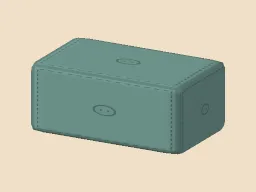
Original
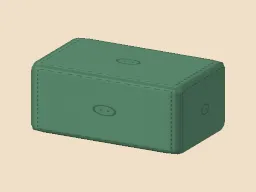
Sage
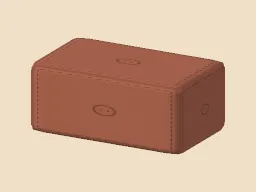
Apricot Linen
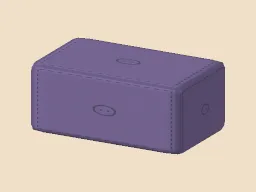
Dusk Lavender
Characters
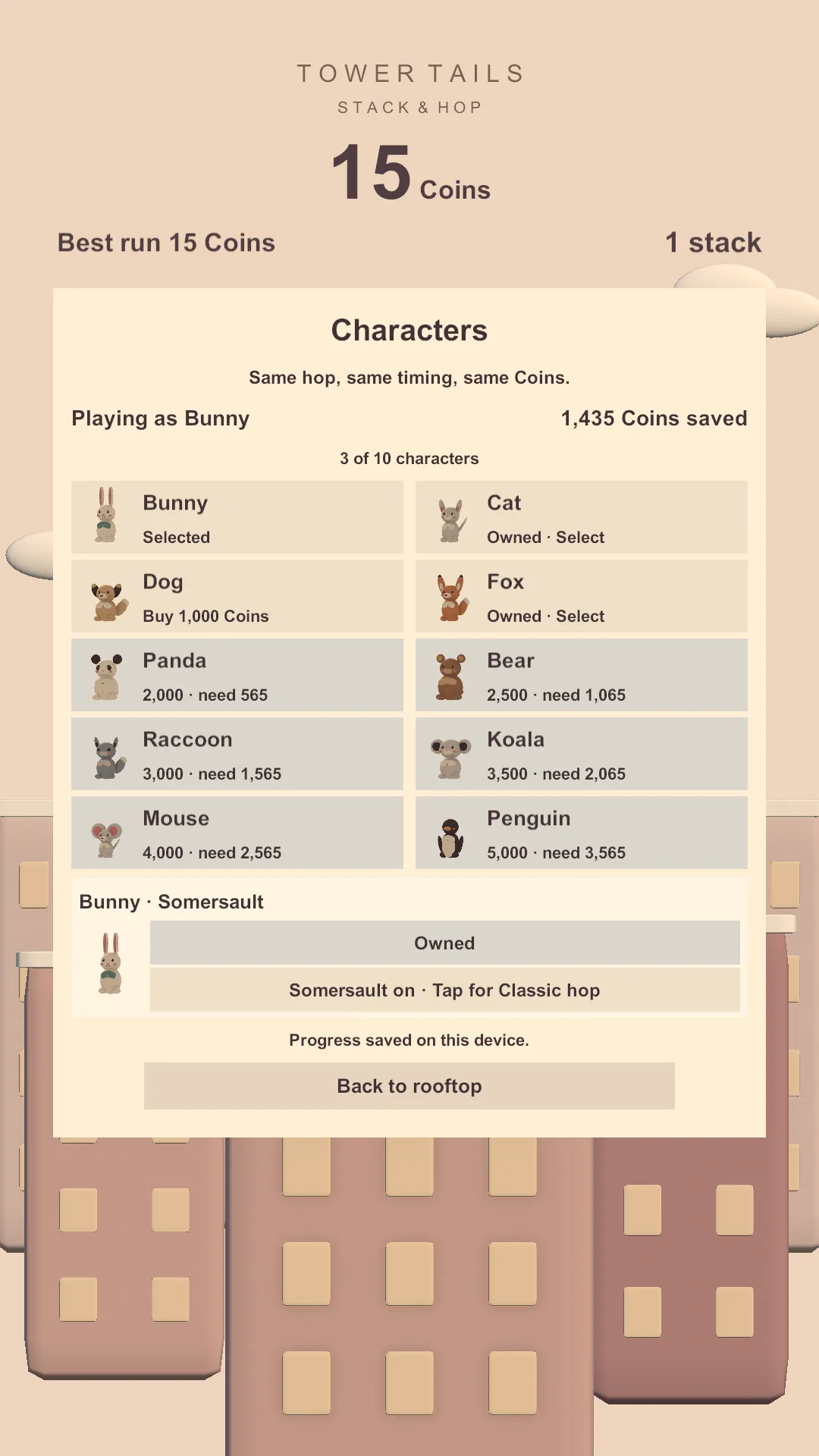
Ten plush animals, and a Trick each.
A bunny, a cat, a dog, a fox, a panda, a bear, a raccoon, a koala, a mouse and a penguin. The bunny is there from the start; the rest are unlocked with the Coins you earn by playing.
Each one has a signature Trick — a somersault, a twirl, a backflip — that turns it through the air on every hop. Tricks are bought separately, switched on and off whenever you like, and the Classic hop is always there to go back to.
Every character plays exactly the same. Same hop, same timing, same Coins. Buying one changes how your game looks and nothing else.
Play it your way
Comfortable by default.
- One thumb, anywhere
- Tap anywhere on the screen. No precise targets, no directional controls, and it works the same in either hand.
- Timing assist
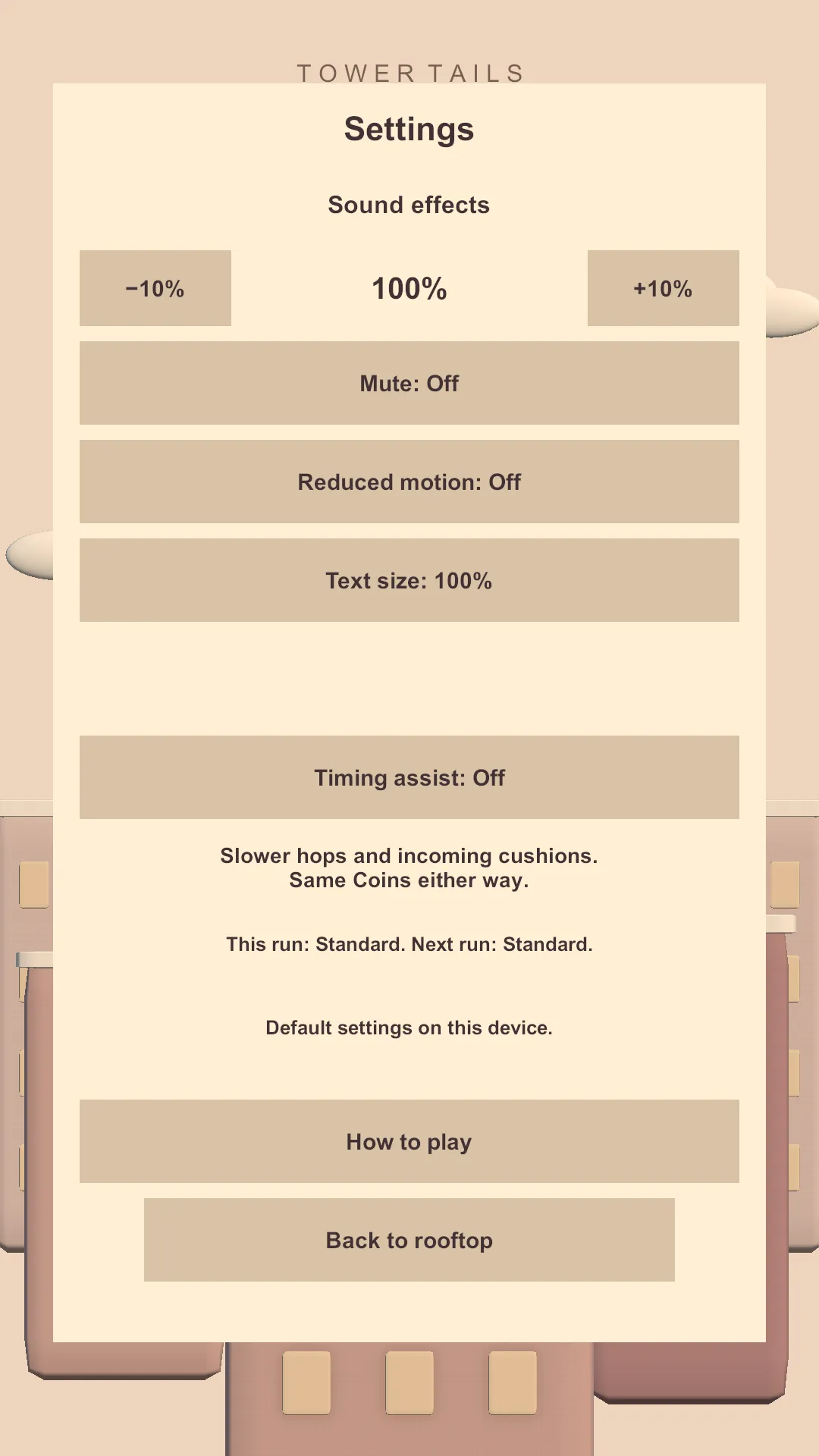
- Turn it on and hops and incoming cushions slow down, while the Coins a landing pays stay exactly the same. It applies from your next run, so it never changes a run you are already in.
- Sound on your terms
- Sound effects have their own volume in ten-percent steps, plus a mute switch that keeps the level you chose for when you turn it back on.
- Text size
- Choose 100%, 125% or 150%. Everything on screen grows with it, and the layouts make room rather than cutting words off. The game does not follow your phone’s own text-size setting, so you choose it here.
- Reduced motion
- Calms the idle animation, the landing squash, the outline pulses and the moving background for a steadier picture.
- Pause
- A button in the corner stops the run where it is. Resume carries on from the same moment with one tap, Settings opens over the top and comes back to the menu, and restarting asks first — and keeps the Coins the run has already earned.
- Interruptions
- If a call comes in or you switch away, the run freezes. It resumes on a fresh tap, and the time you were away does not count against you.
Cozy by design
Everything is made of fabric.
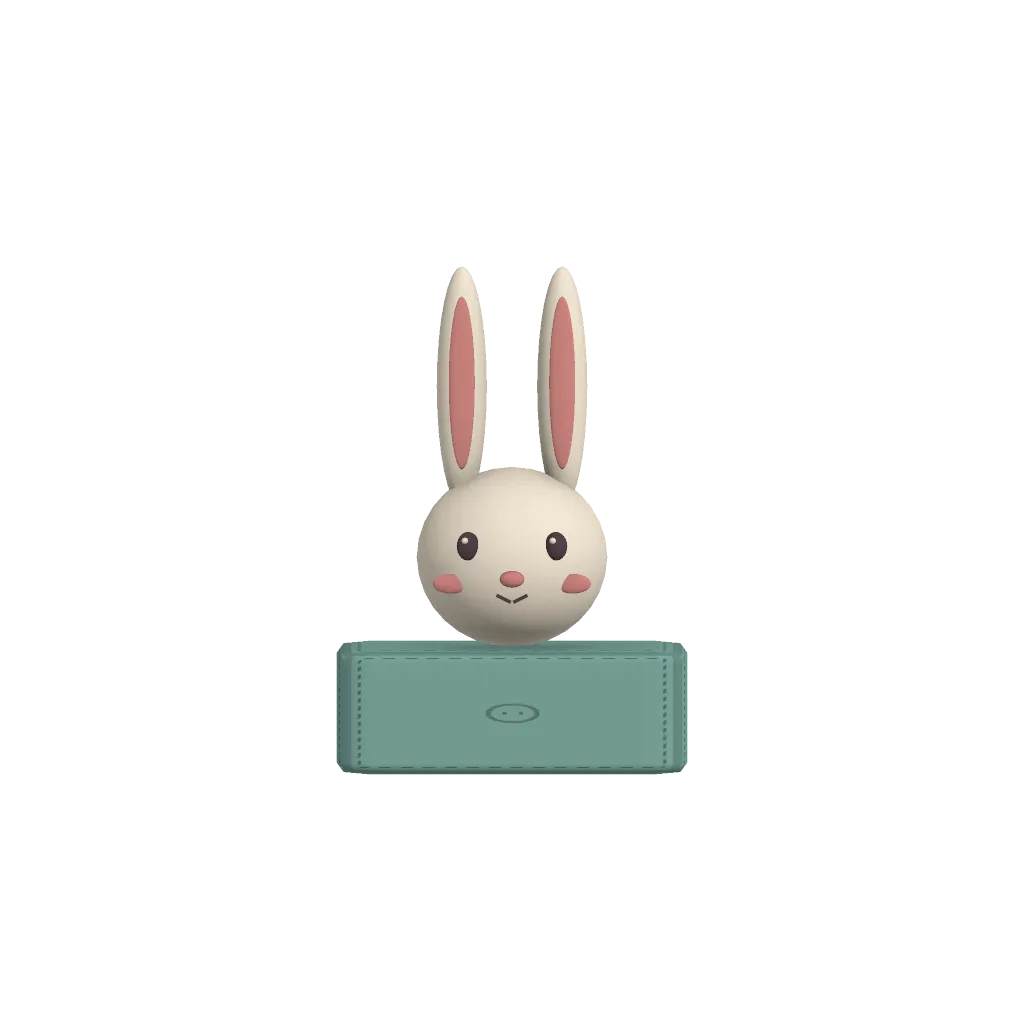
Stitched seams, button details, matte felt, a single warm sun. The rabbit, the cushions and the city are all soft-toy shapes built as a small diorama and filmed from the side. The sound follows: felt taps and soft impacts, nothing sharp.
From the game
See it running.
Captures from the real game, on a phone, in portrait.
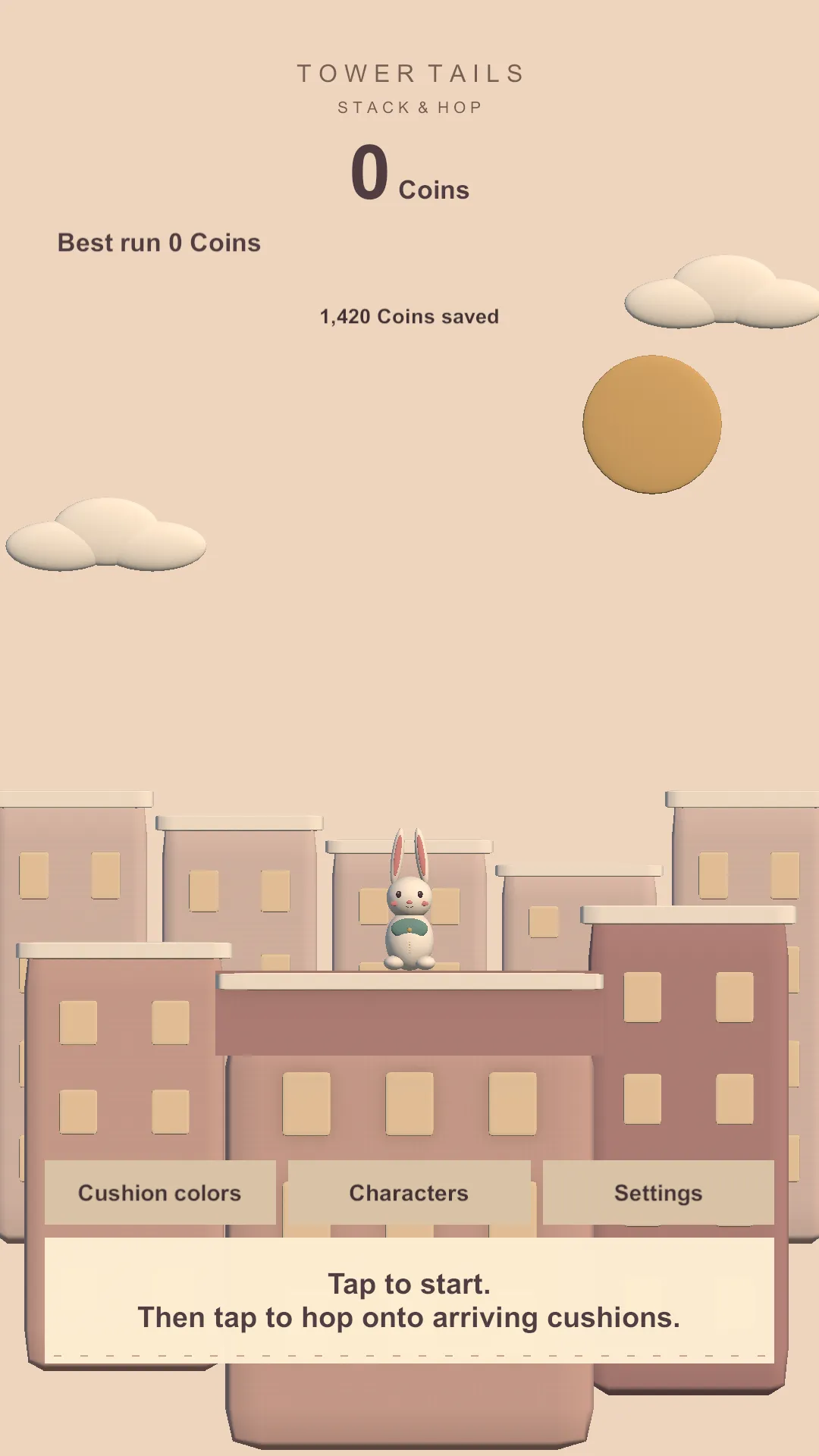
Ready to start, above the rooftops. Ten characters, unlocked with Coins you earn. 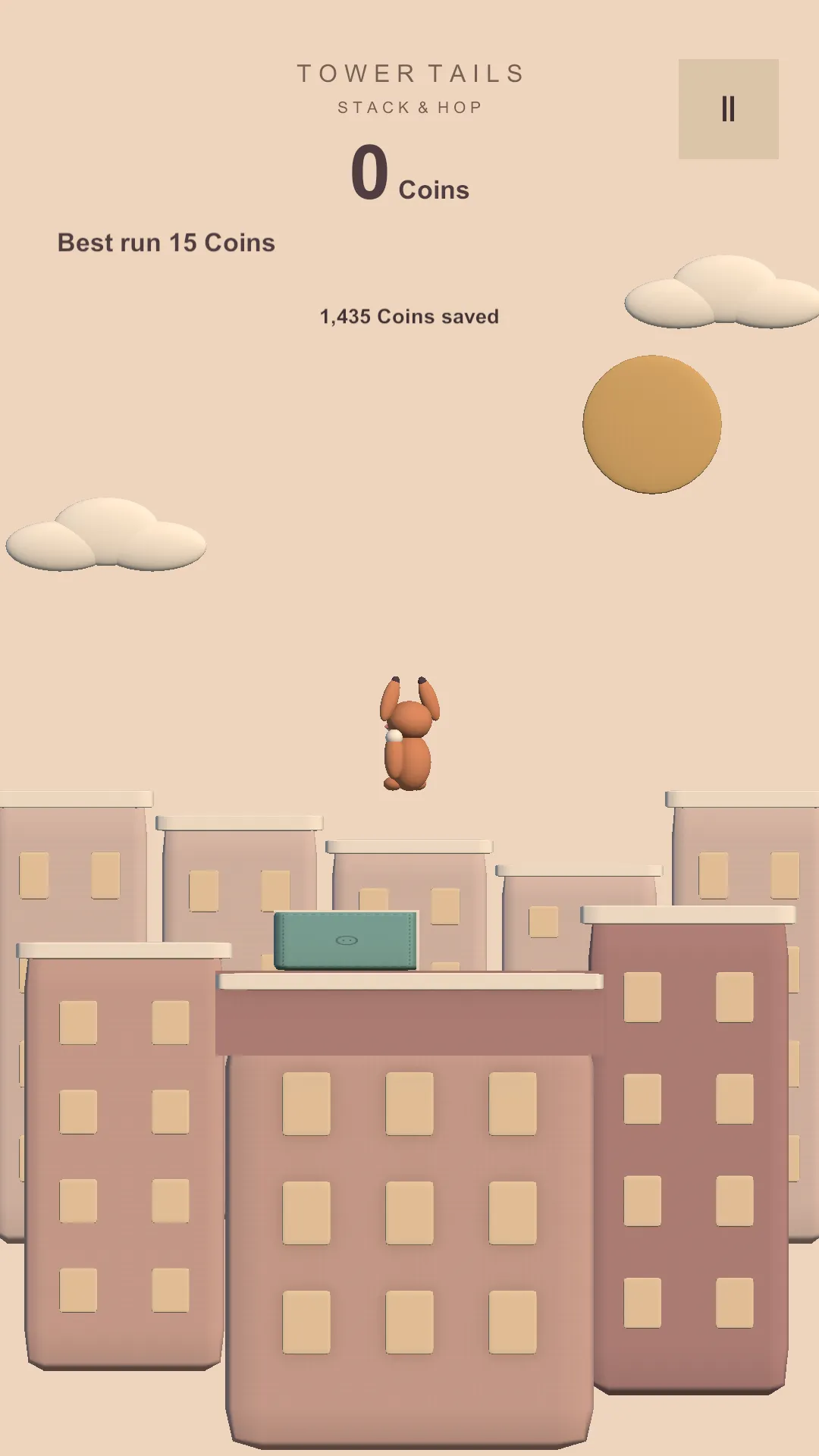
A Trick in mid-air. The hop itself is unchanged. 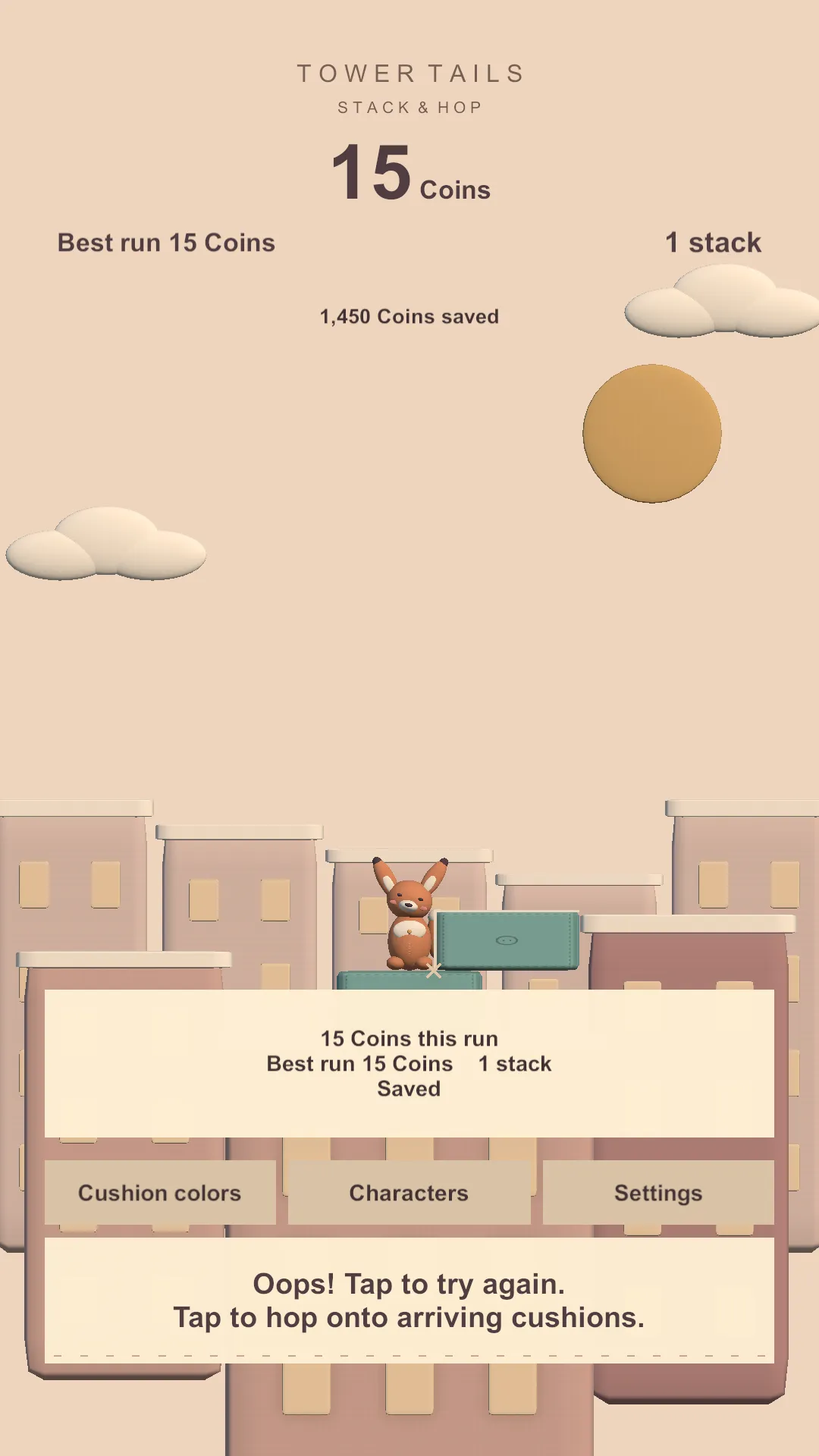
The end of a run, with what it earned. 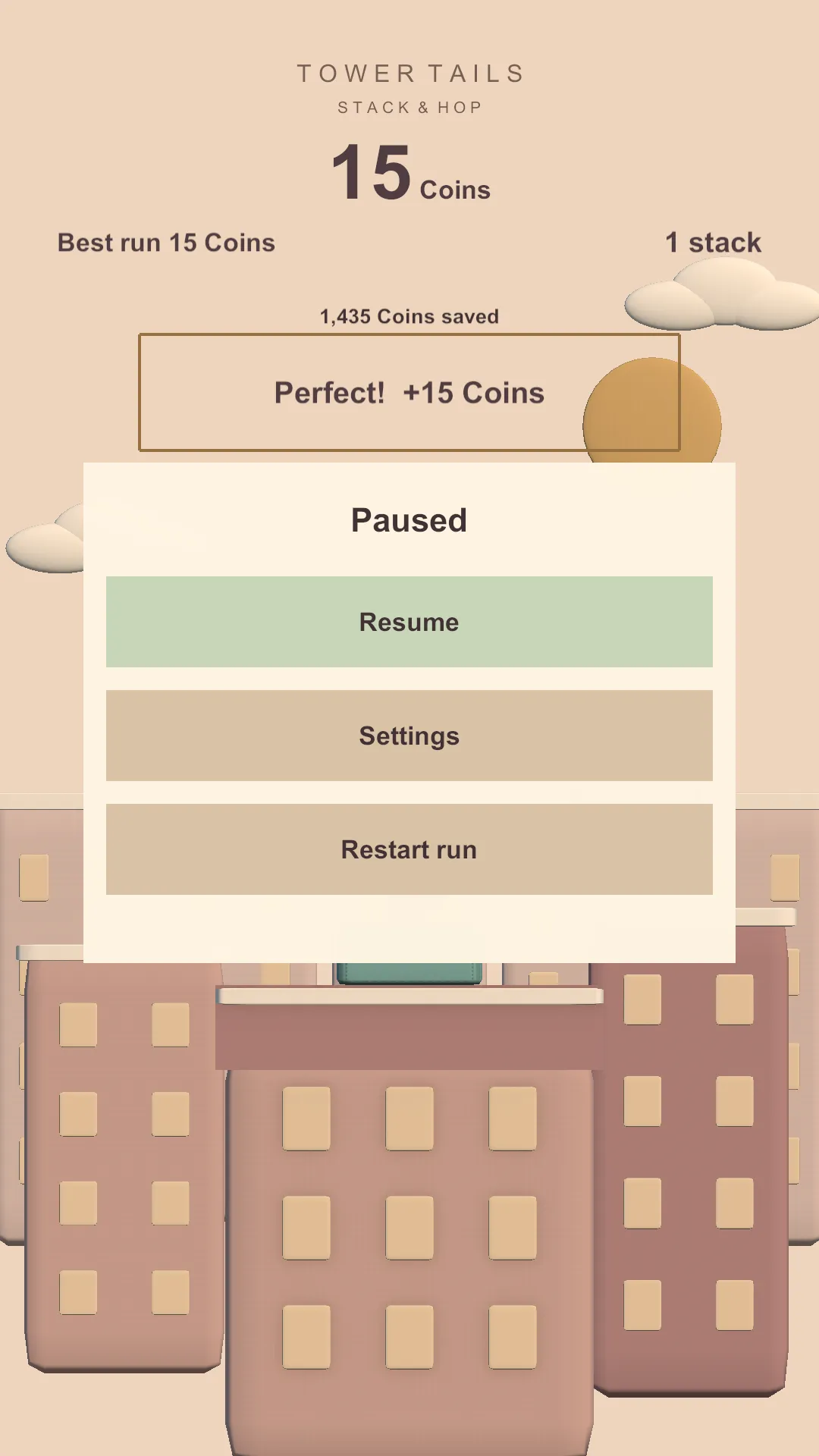
Pause, with Resume, Settings and Restart. Settings, with sound, Text size, Reduced motion and Timing assist. 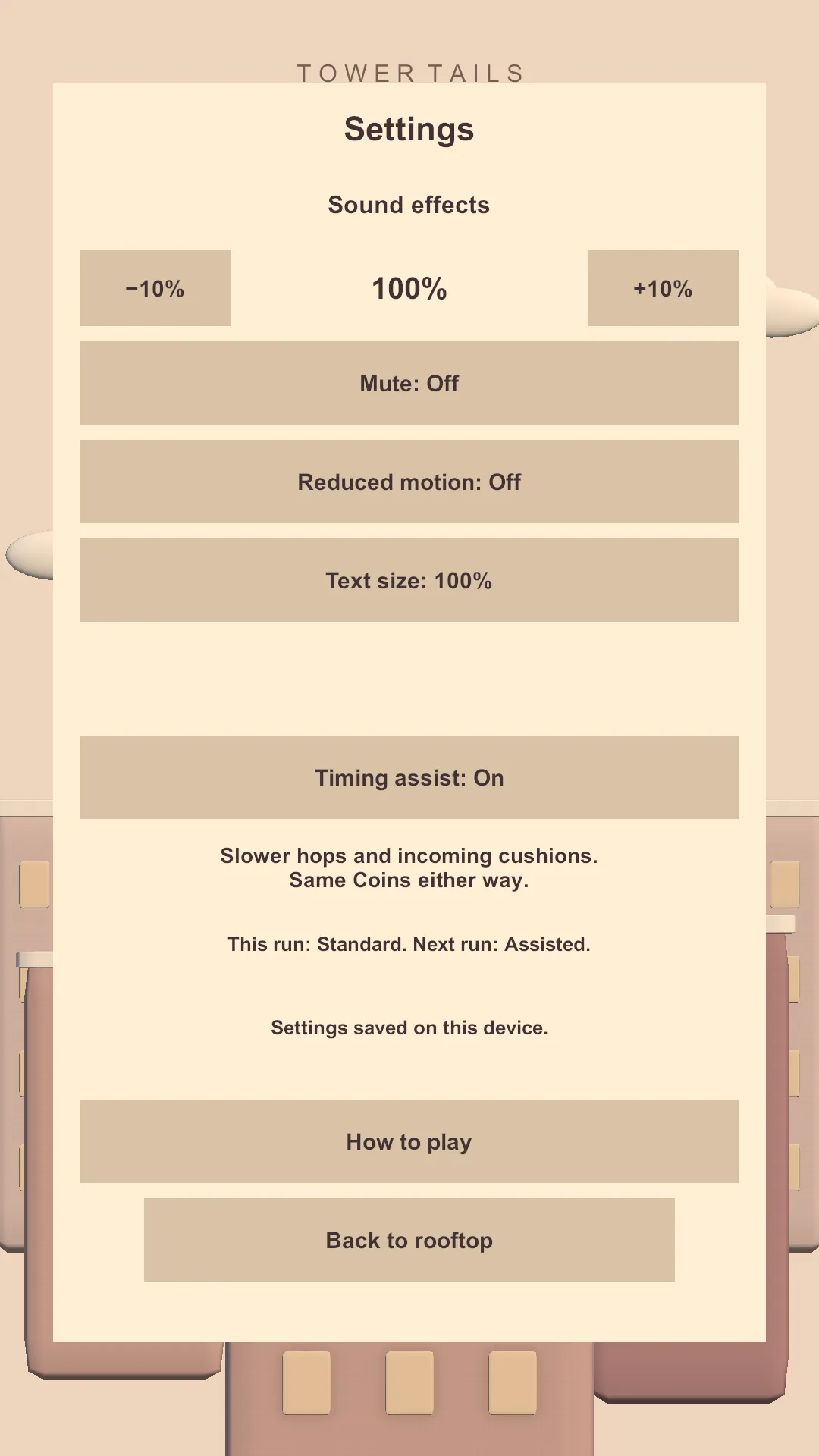
Timing assist on — same Coins either way.
Questions
The things people ask first.
What is Tower Tails?
A one-tap arcade game. A plush rabbit stands on a growing tower of cushions above a rooftop city. Tap to hop, let each cushion slide underneath, and see how high you get.
How do I play?
Tap anywhere to start, then tap to hop. That is the whole control scheme. A short How to play guide sits inside Settings whenever you want it.
How long is a game?
Short. Runs are measured in seconds, and the next one starts with a single tap — there is no menu or loading screen between attempts.
What does it cost?
Nothing. Tower Tails is free. Coins are earned by playing, there is nothing to buy with real money, and the one video advert is optional — tapping anywhere retries for free instead.
Which devices does it run on?
iPhone and Android phones, held upright and played with one thumb.
Do I need an account or an internet connection?
No. There is no sign-in and no online feature. Your Coins, your characters and your cushion colours are stored on the phone itself.
Can I buy Coins?
No. There is no shop and no payment of any kind in the game. Coins come from playing, and they are what characters, Tricks and cushion colours are unlocked with.
What happens to my progress if I change phone?
It stays on the old one. Progress is kept on the device, so there is no cloud save to restore from and deleting the app removes it.
Is there a way to slow the game down?
Yes. Settings has a Timing assist option: hops and incoming cushions slow down, and the Coins a landing pays stay exactly the same. It applies from your next run.
How much game is there?
One rooftop city, ten plush characters with a Trick each, and four cushion colours — all unlocked with Coins you earn by playing. It is a short, repeatable game built around a single loop rather than a long campaign.
Who makes it?
Tower Tails is made by Allkanjari.
One tap. How high can you get?
Not on the stores yet.There is no App Store or Google Play listing to link to yet. The download buttons appear here the moment there is.